

软件介绍
DevExpress Universal拥有.NET开发需要的所有平台控件,包含600多个UI控件、报表平台、DevExpress Dashboard eXpressApp 框架、适用于 Visual Studio的CodeRush等一系列辅助工具。DevExpress Universal 拥有众多新产品和数十个具有高影响力的功能,可为桌面、Web和移动应用提供直观的解决方案,全面解决各种使用场景问题。
软件截图
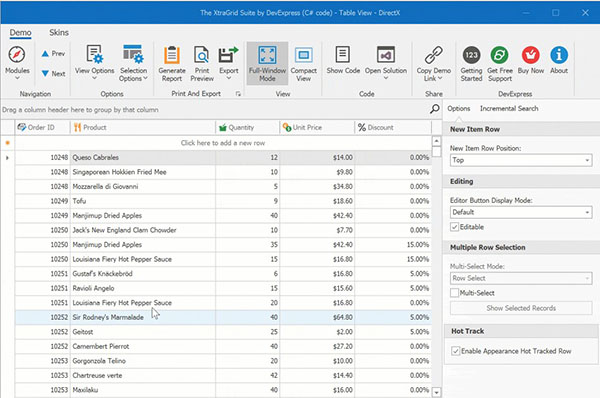
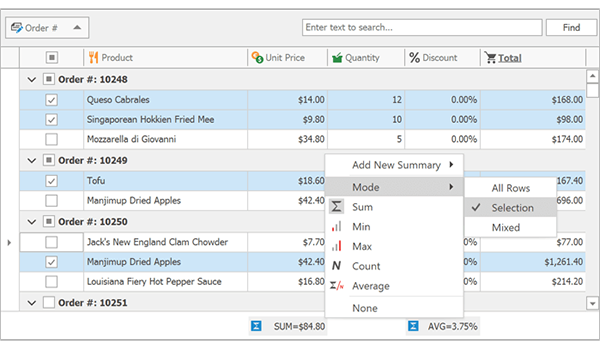
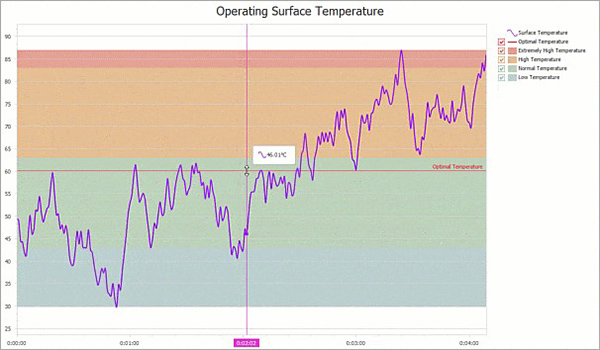
版本说明
DevExpress Universal for .NET 集合中包含的组件列表:
WinForms控件
ASP.NET WebForms控件
ASP.NET MVC扩展
WPF控件
Silverlight控件
报告
Windows 8 XAML控件
HTML JS数据可视化小部件
HTML JS多用途小部件
数据可视化仪表板
报表服务器
eXpressApp框架
TestCafé – 功能性Web测试
WinForms控件的编码UI支持
的CodeRush
DevExtreme移动应用框架
适用于Delphi和C ++ Builder 的DevExpress VCL套件中包含的完整组件列表 :
办公室风格
报告和分析
导航和布局
数据编辑
实用程序和多用途控件
控制器和存储库控件
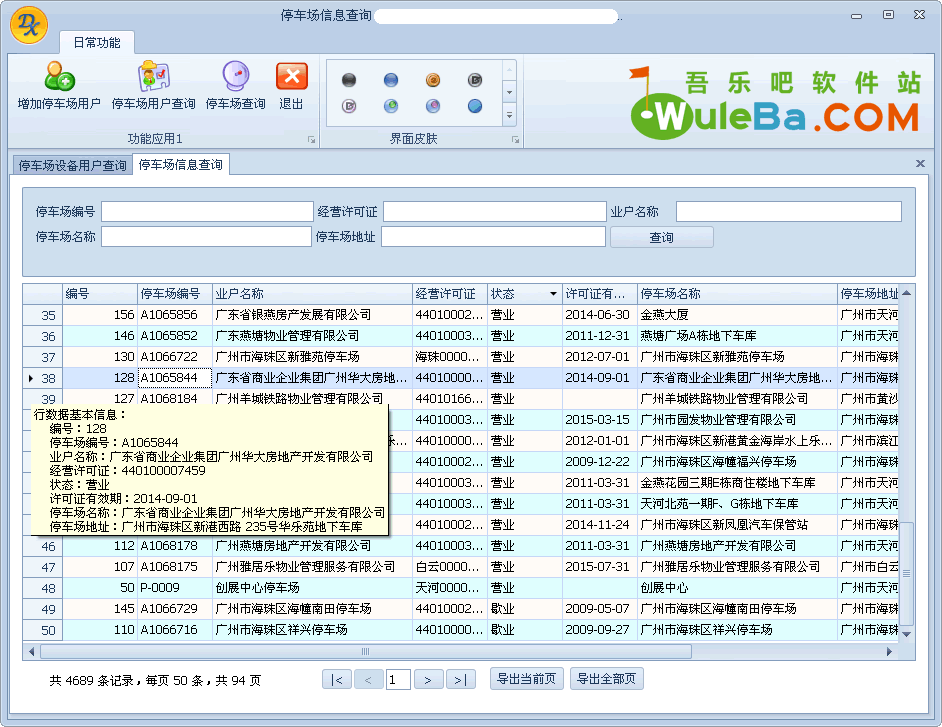
使用DevExpress Universal控件库开发的程序演示
系统要求
支持的 DevExpress Universal for .NET 版本:
框架:.NET Framework 4.0+
IDE:
Visual Studio 2010-2019要查看与各部件的要求更加一致这里,看到的。支持Delphi和C ++ Builder的DevExpress VCL 版本:
Borland Delphi 7
CodeGear Delphi和C ++ Builder 2007
Embarcadero Delphi和C ++ Builder 2010
Embarcadero Delphi和C ++ Builder XE
Embarcadero Delphi和C ++ Builder XE2-10.3
安装指南
要启用Universal Collection,请在安装后首先退出Visual Studio环境,然后在“以管理员身份运行”的Crack文件夹中运行并执行Patch_DownLoadLy.iR.exe文件。如果应用了以前版本的Patch,则会自动删除它。提供的补丁适用于版本14;更新的补丁也适用于版本15。
安装VCL套件的最佳方法是使用DevExpress VCL组件自动安装程序或DxAutoInstaller工具,该工具可以轻松安装和使用VCL组件和资源。
– Install and run app
– File-> License Management, copy the contents of the CID
– Run Keygen, choose why we generate the license Target-> ARM, Prof.Devkit / RealView MDK
– In the CID field, paste what was copied into Keil
– Click Generate
– Copy the resulting license, insert it into Keil in the New License ID Code (LIC) field, click Add LIC
– Repeat steps 2-3 for all required products