

myBase 是一款用于分类管理自由格式资料的数据库软件,对个人用户在微软视窗( Windows )桌面上 实现文档、知识、笔记、日记、图片和网页的分类管理任务相当有帮助。 与传统意义上的数据库软件不同,myBase 通过内置的 RTF 编辑器接受图文信息的输入,并按树形 列表分类保存,同时接受任意磁盘文件作为树形列表条目的附件。 myBase 提供了更好的方式使知识/信息的捕获、编辑、组织、查看、索引、搜索和分享变得更快捷、更容易。 并且还提供有不少的插件软件和实用工具,便于进一步简化操作/管理所保存的资料。
个人笔记资料管理软件 myBase Desktop 6.1(汉化绿色注册版)
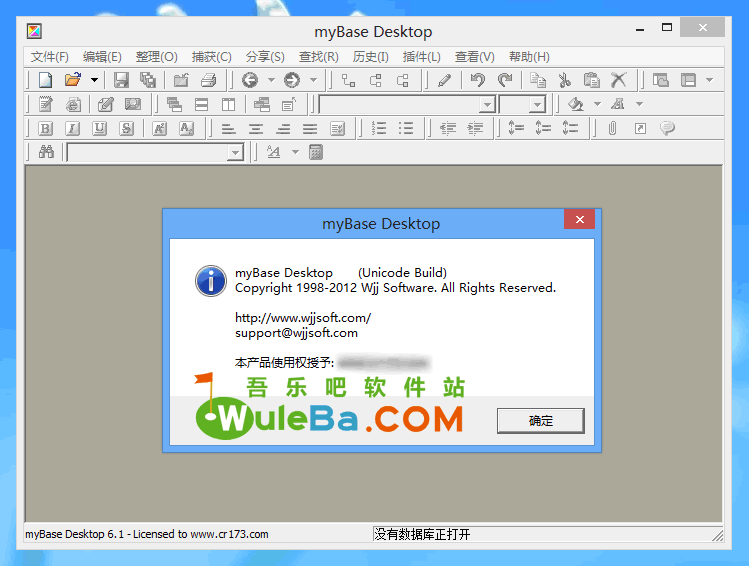
myBase Desktop 更新日志:
Added: the plugin: Sort child items by calendar date;
Added: the plugin: Search local file system, which searches a specified directory tree for words or with RegExp; This utility parses documents and saves content in a Cache database, so later searches get faster;
Added: the plugin: Compare any two disk folders, and report difference between the two folders; It doesn’t run recursively into sub folders;
Added: the plugin API: plugin.getCalendarAttr(), for plugins to retrieve calendar attributes of an info item;
Fixed: The font size list not updated for HTML editing;
Fixed: Tries to recreate the tray icon in the case that Windows Explorer crashed;
Fixed: The attachment keeps its original filenames when it’s open within an external application;
Fixed: Find-as-you-type worked slowly when searching for words containing MBCS characters;
Fixed: a bug in loading content from the malformed UCS2 text files;
吾乐吧软件站提醒大家:本程序为破解版,所以会被杀软误报,请谨慎下载。
温馨提示:本文发布于较早时期(2018年之前),软件下载地址已经失效,建议您在本站搜索该软件名称获取最新版本。
下载方法:打开链接–输入验证码–打开下载列表–左上角有一个免费用户下载–普通不限速下载。
个人笔记资料管理软件 myBase Desktop 6.1(汉化绿色注册版)下载:
下载地址:推荐地址 | 备用地址 |